
Ten days, and 5,728 items
An item database with renders of everything, a power management screen for the Hangar, sign-in that is not just email and password, a way to use the app with no account at all, and Patreon instead of subscriptions.
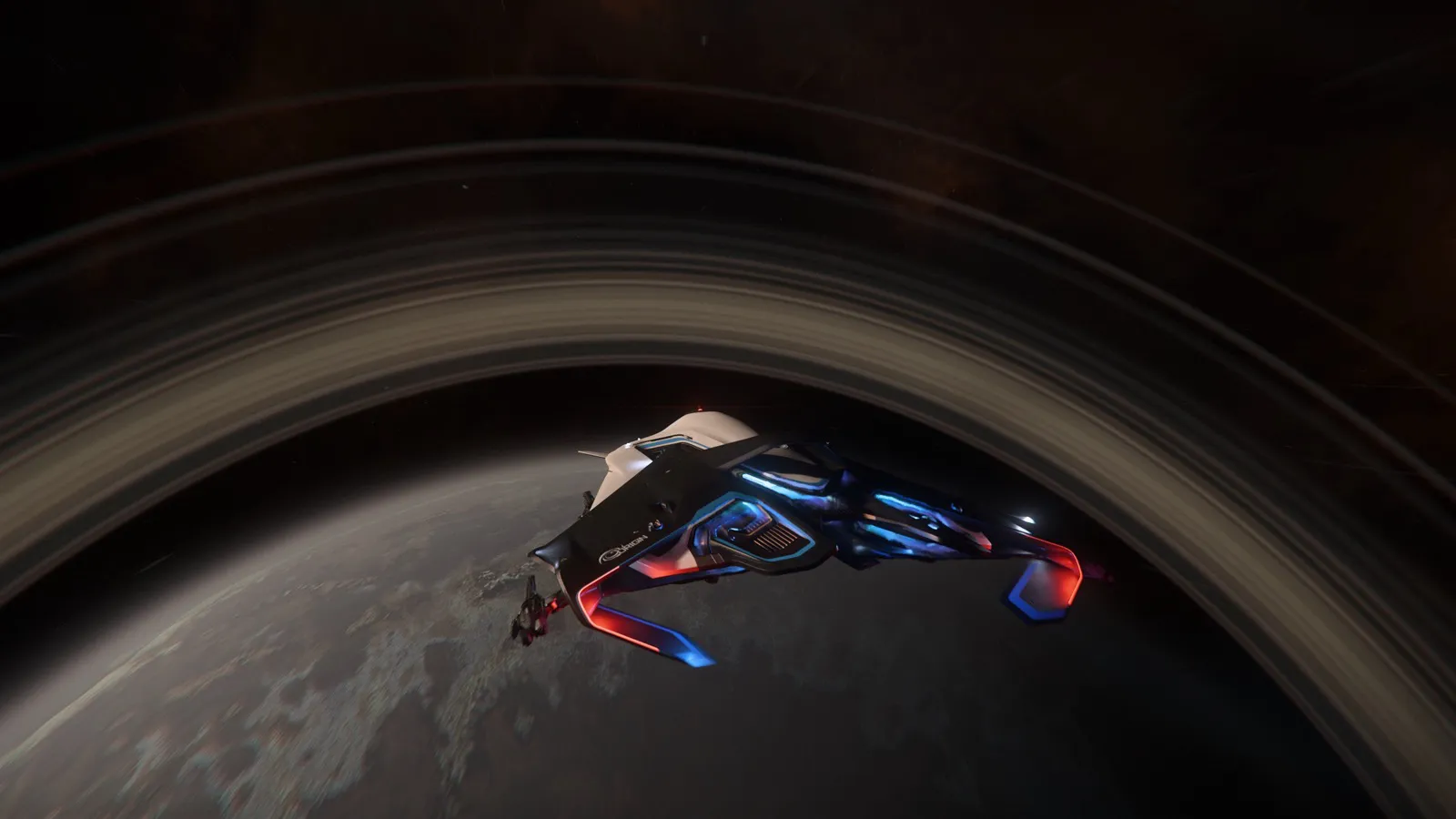
The last ten days got away from me slightly. What follows is everything that landed, in roughly the order you are likely to care about it.
Crafting now has Items
This is the big one. 5,728 items from 107 manufacturers, read out of the game's own files, each with a picture.
Not a placeholder icon or a cropped screenshot from a shop kiosk. An actual render of the actual item, generated from the model the game uses, on a clean background, at a sensible angle. Armor, clothing, weapons, attachments, ship weapons and ship components, all of them, including the ones nobody has catalogued because nobody could be bothered to stand in front of a kiosk with a phone.
Each item page tells you where to buy it and what it costs. 1,598 of them are linked to the blueprint that makes them, so you can go from "I want that" to "here is the recipe and who in the org knows it" without leaving the app. If a blueprint exists in the files but cannot actually be earned in the game yet, the page says so, which saves you hunting for a mission that is not there.
The part that took the longest, and which I am unreasonably pleased with: optics show you the view through the scope. Not a picture of the scope. The actual sight picture, reticle and all, so you can compare what you will be looking at rather than comparing two black tubes.
Items is under Crafting, on the website and in both apps.
The Hangar got a power screen
If you have ever wondered why your shields recharge like treacle the moment you turn the mining laser on, this is that.
Ships have a power budget and every component draws from it, and the game lets you assign pips per component group and per flight mode. The Hangar now models all of it: a column of pips for each group, separate assignments for SCM and NAV, and the components that sit idle in each mode marked as idle rather than silently counted.
The model is matched against the game's own power behavior, the same way the DPS numbers are. Your power plan saves with the build, so a ship you set up for mining stays set up for mining.
Also in the Hangar since the last post:
- Every ship in every paint. All the liveries, rendered, with the ship card showing whichever one the build uses. The first pass had the colors subtly wrong, so they were all re-rendered. They’re still a bit off, but I can fix issues
- The shopping list now points you at crafting for parts no shop sells.
- Swapping a quantum drive no longer quietly takes your jump drive with it.
- An empty hangar says it is empty instead of looking like something failed to load.
You no longer need an account
Two changes, pulling in the same direction.
Sign in with Apple, Google or Discord, on the website and both apps. Email and password still works, and is still there, but it is no longer the only door.
Guest mode, which is the one I would push harder if I were better at marketing. You can now open Hangarworks and use it without an account at all. Browse the blueprints, browse the items, build a ship, work out whether your Prospector cracks that rock. Nothing is stored anywhere but on your own device, and nobody asks you for an email address to find out whether the app is any good. Make an account when you want to join an org, which is the point where an account actually does something for you.
Patreon, instead of subscriptions
Org subscriptions are retired. Everything that was gated behind them and is not tied to the cost of running the thing is now simply free: ledger history and export, unlimited listings, the lot.
What replaces it is Patreon, with three tiers: Captain at $3, Commodore at $6, Admiral at $12. Patrons get the premium themes, a badge on the org roster, and early access to builds. Commodore and Admiral can also boost an org they belong to, which switches on the heavier features for everybody in it: one org at Commodore, three at Admiral.
The honest framing is that the subscription model asked orgs to pay for features, and this asks individuals to chip in if they feel like it, and the features arrive either way.
A new icon, and you can choose it
Hangarworks has a new app icon. On iOS it is a layered icon, so it reacts properly to light, dark and tinted home screens rather than sitting there as a flat square.
There is also an icon picker in Settings under Appearance, on every platform, because some people liked the old one and I am not the boss of anybody's home screen.
Apps and website
Version 2.0 is live in the App Store and in Play Store testing, with 2.0.1 following it closely. If you want in on the Android beta there is now a sign-up link on the site where the Play badge used to be. The release process is automated now, which mostly means I stop making the specific mistakes I kept making by hand.
On the website, every main screen now uses the full width of a wide window. Profile, Org, Org settings, Stock, Planner, Blueprints, Market and Resources all lay out in columns on a desktop instead of running as one narrow strip down the middle of a 27-inch monitor. Resources opens in a side column. Premium themes also stopped reverting to the default on a full page load, which was annoying and is fixed.
FashionWorks, the armor kitbasher, is now linked from the site header and has a section on the home page. It has had its own busy fortnight: clothing, a real character, hair, decals and studio lighting.
That is ten days. The Hangar and the rock breaker got their own post last week, and the piece on reading the game's own data is over here.