
Burritos can now be compared scientifically
Hangarworks 2.0.2 adds about five hundred items that are neither guns nor trousers, a filter that shows you only what a given shop actually stocks, and the prices players really paid for things in game.
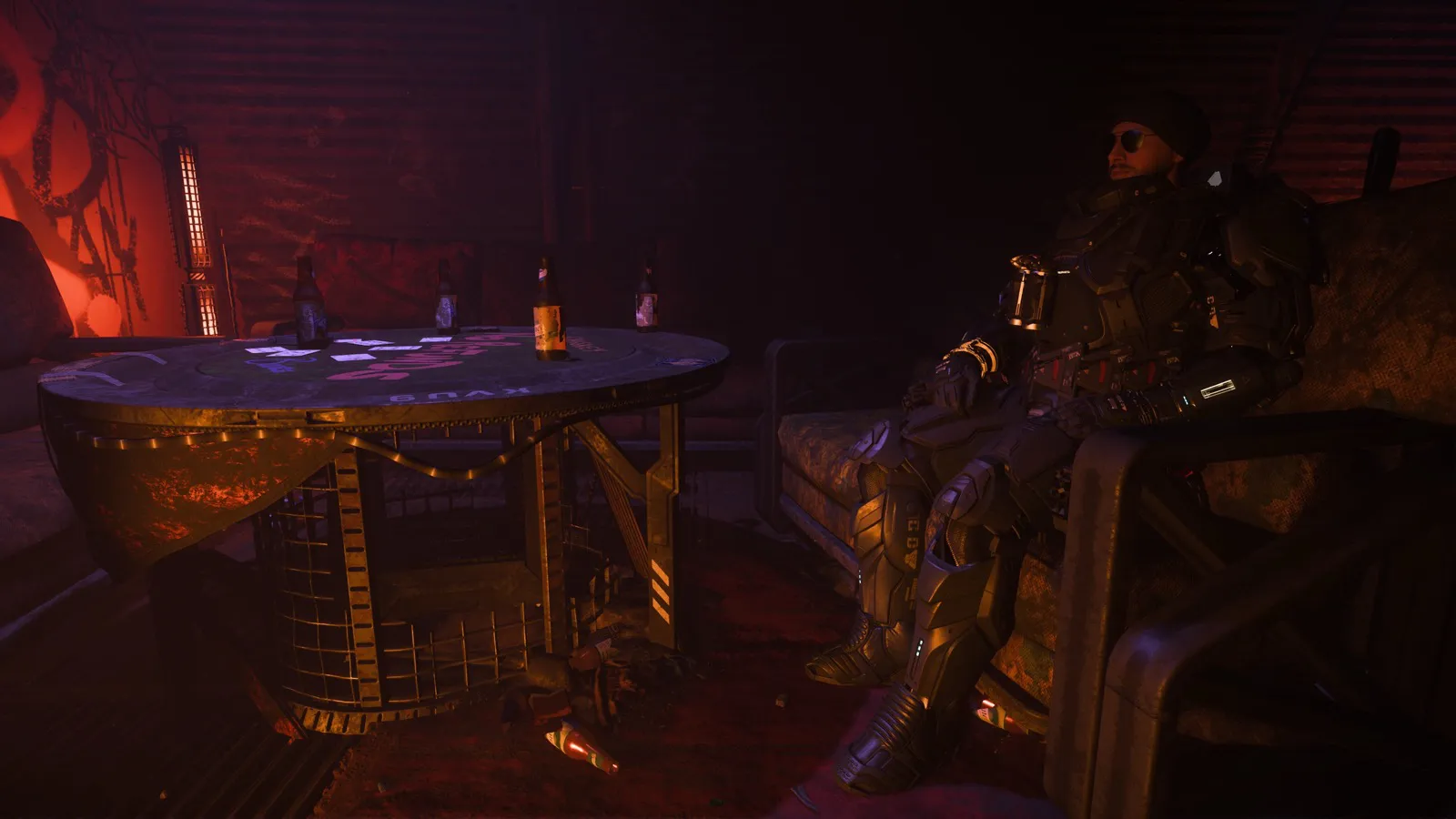
The item database used to know about the parts of Star Citizen you can shoot with, wear into a firefight, or bolt onto a ship. It was, in other words, a catalog of the game's violence and its logistics, which is most of the game but not all of it.
It now also knows about burritos.
There are 185 consumables in there: food, drinks, medical pens and cryptokeys. Each one lists what a dose actually does to your health, your hunger, your thirst and your blood drug level, and for how long. Which means that for the first time you can line two burritos up against each other and establish, with numbers, which of them is the better burrito. Nobody asked for this. I regret nothing.
Alongside them, 104 things filed under Other: plushies, dice, loot (ingots, medals and artifact fragments, each condition listed separately), storage containers with their capacity, and mobiGlas casings in every color they come in. Then 200 pieces of decor, for anyone whose hangar has started to feel less like a home and more like a warehouse: beds, chairs, ship and station models, plants, fish tanks, bobbleheads, posters and schematics. Most of those come from pledges, subscriptions and events rather than shops, so they are listed whether or not anybody sells them.
That is about five hundred new entries, and it takes the database to 6,302 items from 110 manufacturers.
Where is it sold
Having more things in a catalog is only useful if the catalog can answer the question you actually have, which is almost never "what exists" and almost always "where do I buy this, and is it worth the trip".
So: Sold at. Pick a star system, a city, a station, or one specific shop, and the database shows you only what is sold there, at that place's prices. Typing "Lorville" into the search offers the same thing.
This replaces the traditional method, which was wandering around Area18 asking Cubby Blast whether it keeps anything interesting in the back.
What people actually paid
Shop prices are one number. What a thing costs you on the day is sometimes a different number.
The website can now read the Game.log that Star Citizen keeps on your PC, from Profile then Tools. It offers you every blueprint the log says you received, which saves ticking your way through sixteen hundred of them by hand, and it lists what you paid in shops. If you want to share those prices, they turn up on item pages as Seen in game, to the cent, exactly as players paid them.
It never shares where you bought anything, and your log keeps the rest of its secrets. Blueprint import also reads the apps' own JSON export as well as CSV now, and it skips names that more than one blueprint shares rather than guessing, which is how a Serac used to quietly turn into somebody else's Serac.
Looking at things properly
650 item pictures have been drawn again, so black metal finally looks like metal rather than a hole in the screen. The Vanduul helmets had been waiting for this with what passes, among Vanduul, for patience. Loot reads as gold, silver and stone instead of soot, and holographic flags show an actual flag.
Ninety-eight variants that had been wearing a sibling's colors now wear their own. Backpack editions, drink flavors, protein bars and the Snowfall monocular were all going around dressed as their cousins.
You can also tap any item's picture to open it full screen, then pinch, drag and double-tap your way around it. You can now study the stitching on a pair of cargo pants more closely than anyone involved in designing them thought was healthy.
Smaller, but you will notice
- Report a problem sits on every item page. If something looks wrong or reads wrong, the report arrives already knowing which item and which picture you were looking at, which is more than most bug reports manage.
- Search matches what kind of thing an item is as well as its maker's code, so "cooler" finds all 77 coolers rather than one lonely cooler that happened to have the word in its name.
- Tools show their beams. Tractor beams, salvage tools, the ParaMed and the multi-tool had been displaying gun stats, which they wore with very little conviction.
- Ship parts list their damage resistances and distortion, so you can work out which cooler shrugs off an EMP before finding out the exciting way.
Where to get it
The website has all of this now.
On iOS, 2.0.2 went out on 26 October, so it is on the App Store now rather than on its way there.
Android is the awkward one, and I would rather be straight about it than vague. The build is finished and in closed testing, but Google will not let an app go to production until twelve people have opted into testing it and stayed opted in. There are currently seven. So if you are on Android and you fancy being useful, five more testers is the entire blocker, and the sign-up link is on the site. It is not a big commitment: install it, leave it installed, tell me when something breaks.